
Turn Photos Into Pencil Art That Looks Hand Drawn.
Upload a photo, choose your style, and get a clean, printable sketch in seconds. Built for portraits, gifts, and creative projects.
Purchase credits when you are ready to create. Includes public tutorials for choosing better source photos, preparing files for print, and fixing common quality problems.
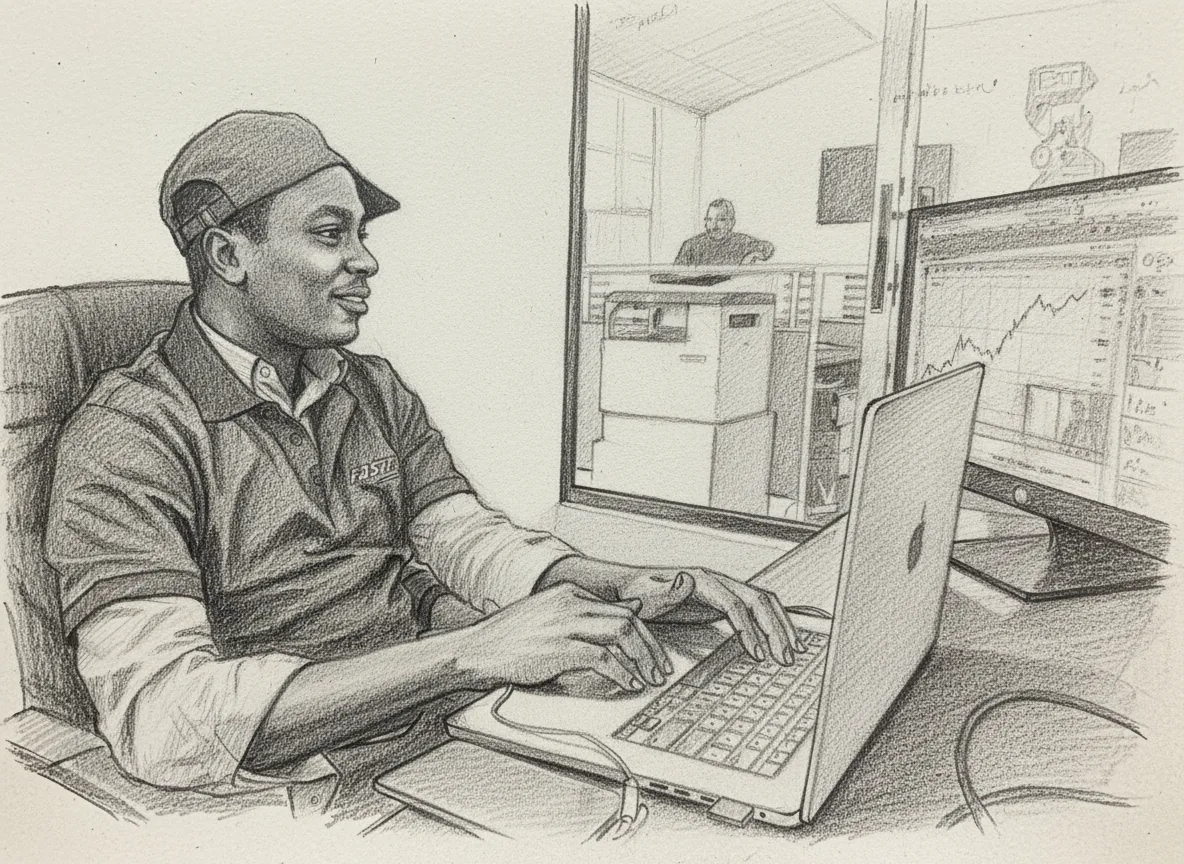
Before upload
Photo preparation
Guides explain crop, lighting, resolution, and background choices that improve sketch results.
Learning library
Original tutorials
Public articles cover portraits, pets, family keepsakes, wall art, printing, and common mistakes.
After generation
Print-focused output
Resources help users prepare sketches for matte paper, frames, gallery walls, and gifts.
Privacy first
Clear ownership
Users keep ownership of their photos and generated sketches, with privacy terms available publicly.
See the Transformation
Drag the slider to compare the original photo with the AI-generated pencil sketch
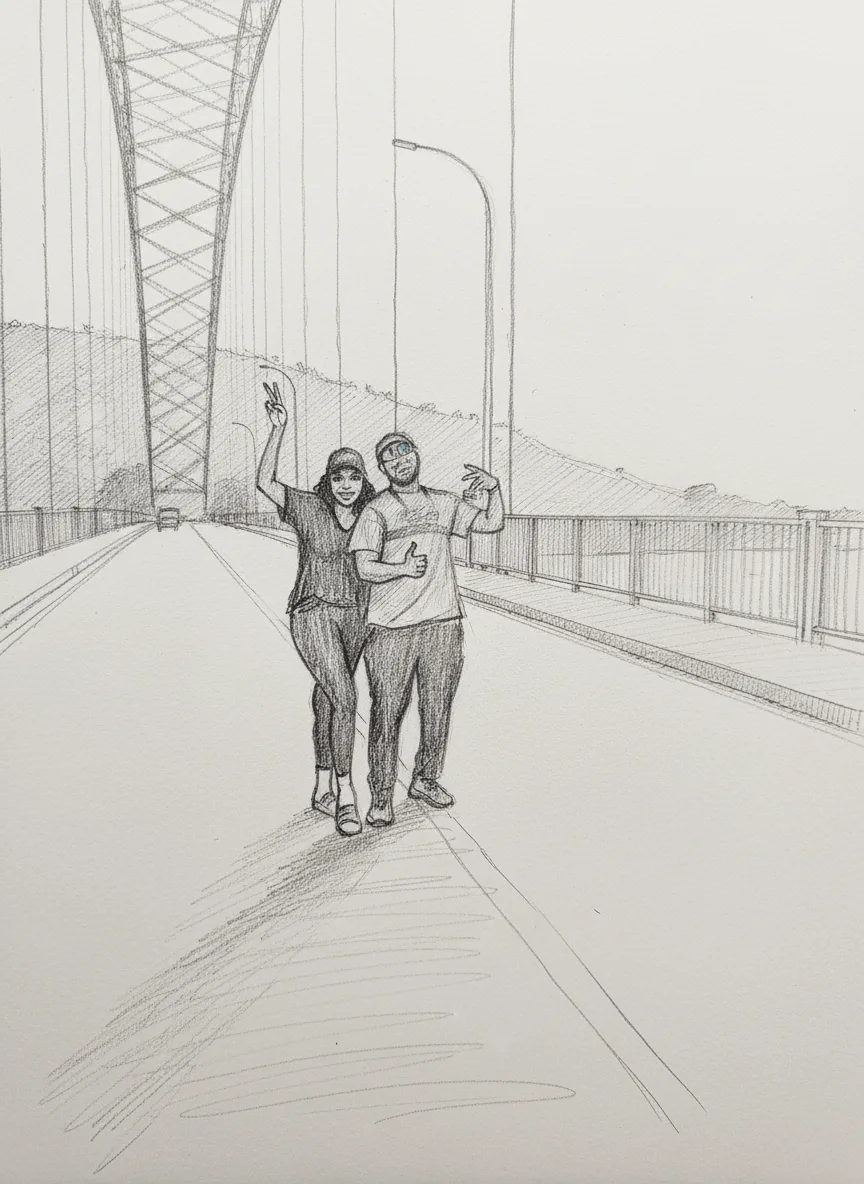
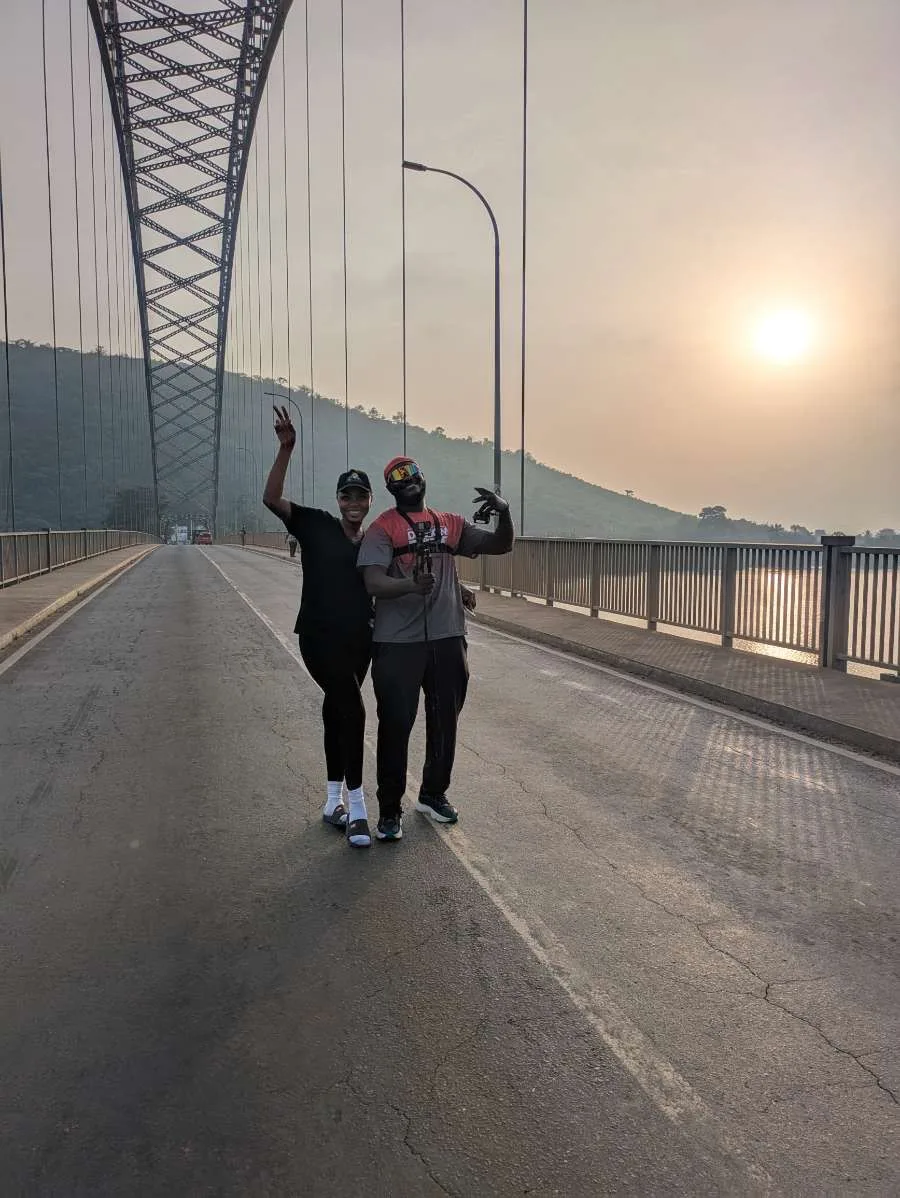
An example photo and AI-generated pencil-style result. Compare the face, hair and background; results vary with the source image and settings.
Before you spend a generation credit
Read a sketch like a proof, not a thumbnail
The portrait comparison above gives you a practical way to judge a photo-to-pencil result. Look at three areas separately: recognisable features, tonal separation, and background texture. A pleasing overall style can still hide a changed expression or missing detail.
1. Keep identity first
Compare eye spacing, the outline of the nose, and the corners of the mouth with the original. AI can reinterpret these shapes. If the person no longer looks like themselves, try a sharper, more frontal source photo; a darker style will not restore lost facial information.
Prepare a portrait photo2. Separate dark areas
Hair, clothing and the background should have distinguishable edges. When they merge into one dark patch, try Soft Shading or reduce intensity. Check again at the intended display size: tiny strands are less useful than a clear silhouette.
Troubleshoot a result3. Plan the final crop
Leave space around the head and shoulders if a frame or mount will cover the edges. A square download cannot fill a tall frame without cropping. Use the downloaded file’s dimensions to estimate print resolution before ordering a large copy.
Calculate resolution and crop lossThese are inspection steps, not a guarantee that a particular photo will convert accurately. For a keepsake, show the proof to the person or family before printing. Use images you own or have permission to edit and share.
How to Create Your Pencil Drawing
Transform your photos into stunning pencil sketches with our AI-powered app in just 4 simple steps
Sign Up & Access Studio
Create your account, purchase credits, and access your personal Pencil Art Studio. Every finished drawing is saved to your gallery.
💡 Tip: Use Google Sign-In for quick and secure access
Upload Your Photo
Click 'Upload & Convert' and select a clear, high-quality photo. The app works best with well-lit images where faces and details are clearly visible.
💡 Tip: JPEG and PNG formats work best, keep file size under 10MB
Customize Settings
Start with Classic Graphite, Realistic Pencil, Soft Shading, or Cross-Hatched. Advanced settings include intensity, fine-detail preservation, and additional pencil techniques.
💡 Tip: Start with realistic style and medium intensity for best results
Generate & Download
Click generate and watch as AI transforms your photo into a stunning pencil sketch. Preview the result in full-screen modal, then download your masterpiece.
💡 Tip: All your creations are automatically saved in your gallery
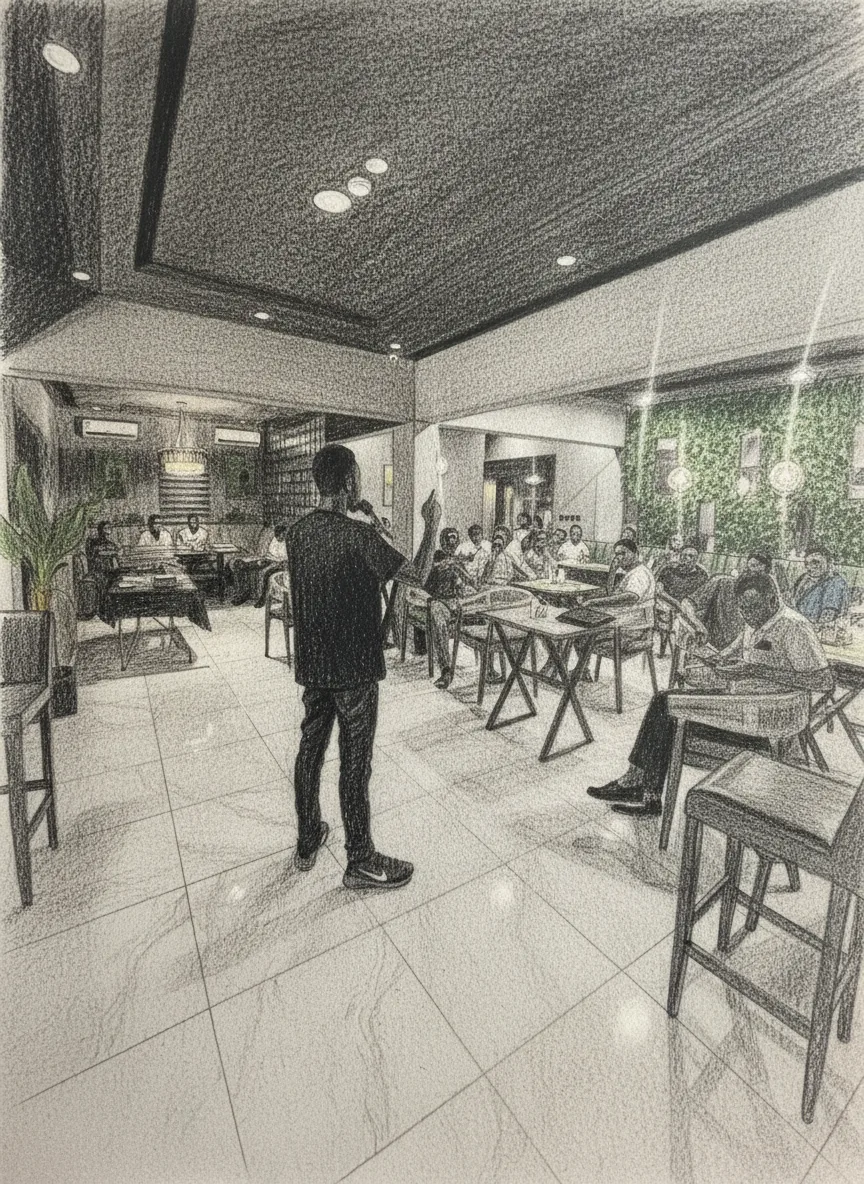
Perfect for Every Occasion
Discover the countless ways creators use PencilArt.app to bring their photos to life
Pet Portraits
Immortalize your furry friends with stunning pencil art. Perfect for wall displays or memorial keepsakes.
- Detailed fur texture
- Expressive eyes
- Print-ready quality
Wedding & Anniversary
Transform your most romantic moments into timeless pencil sketches. The perfect paper anniversary gift.
- Romantic styling
- Couple portraits
- High resolution
Personalized Gifts
Create unique, heartfelt gifts for birthdays, holidays, or special occasions that show you care.
- Custom portraits
- Greeting cards
- Framed art
Professional Headshots
Stand out on LinkedIn, portfolios, and business cards with artistic pencil-style professional photos.
- Business-ready
- Unique branding
- Social media
Family Portraits
Unite generations in a cohesive art collection. Convert old and new photos to matching pencil style.
- Multi-generational
- Gallery walls
- Unified style
Memorial Artwork
Honor loved ones who have passed with gentle, timeless pencil portraits that capture their spirit.
- Gentle rendering
- Archival quality
- Engraving-ready
Create an account, choose a credit package, and start making pencil art
Stunning Pencil ArtTransformations
Explore our collection of beautiful pencil drawings created from photos. See the incredible transformations possible with our AI-powered technology.
Portrait Sketch
Professional portrait converted to pencil art
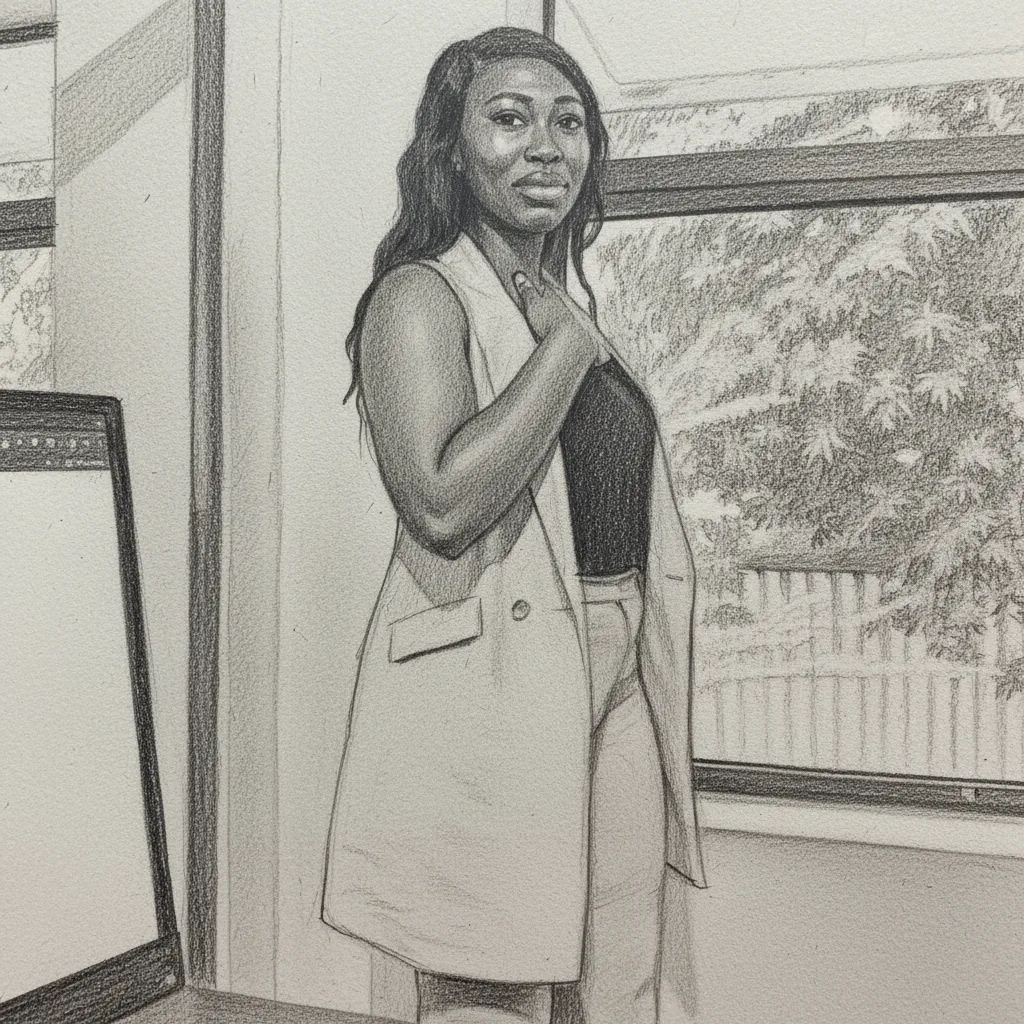
Detailed Sketch
High-detail pencil drawing with shading
Artistic Rendering
Creative artistic interpretation
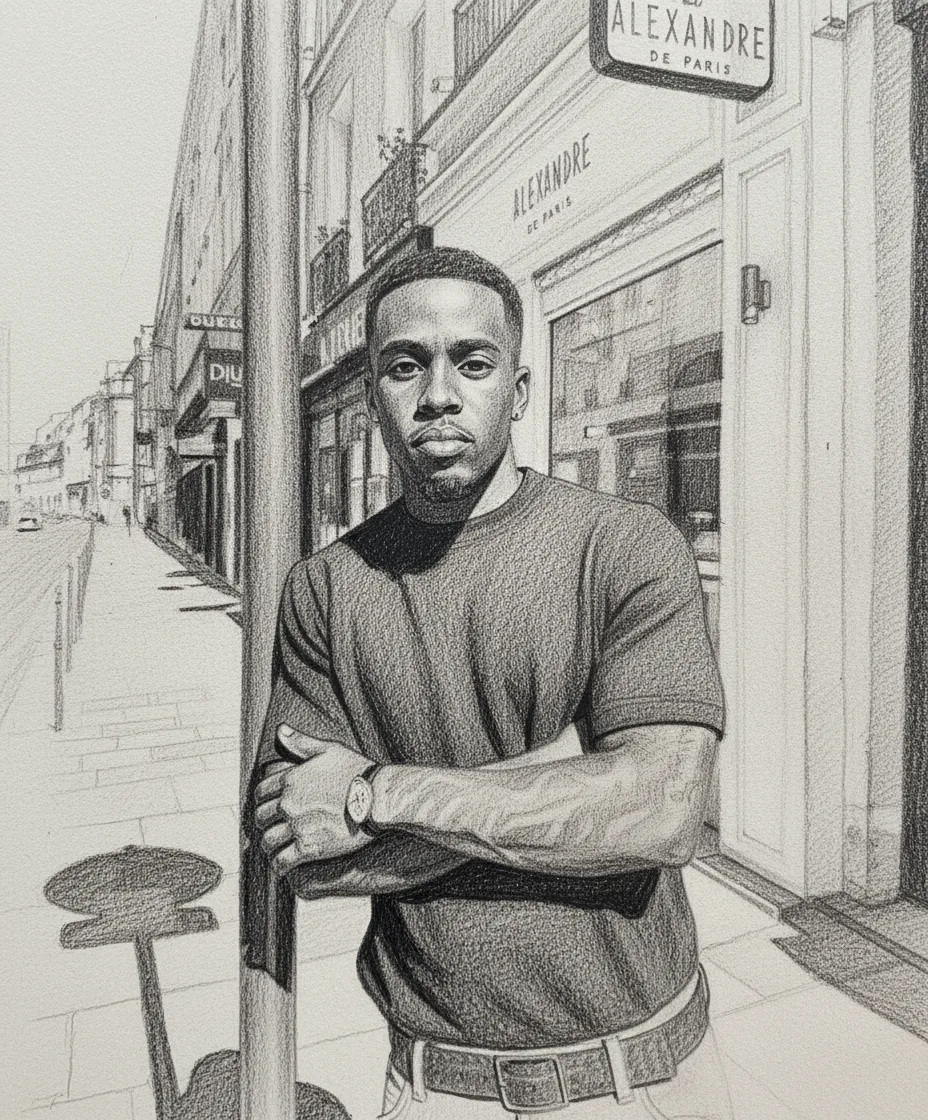
Professional Art
Studio-quality pencil artwork
Ready to create your own pencil masterpiece?
Learn the Full Sketch Workflow
PencilArt.app includes practical guides for preparing photos, choosing styles, printing, and turning finished sketches into gifts or wall art.
Portrait lighting
Learn why clear eyes, soft light, and simple backgrounds make pencil portraits more recognizable.
Read portrait guidePet sketches
Use eye-level photos and detailed styles to preserve fur texture, whiskers, and expression.
Plan a pet portraitHome printing
Choose matte paper, keep margins, and avoid heavy printer enhancements that damage graphite detail.
Print better sketchesOld family photos
Prepare scanned, faded, or low-resolution family photos before turning them into keepsake sketches.
Restore as artWall art sets
Build consistent portrait, travel, architecture, or family gallery walls from mixed source photos.
Explore wall art ideasPersonalized gifts
Turn meaningful images into framed portraits, cards, memorial pieces, and anniversary keepsakes.
Find gift ideasFrequently Asked Questions
Everything you need to know about creating beautiful pencil sketches with AI
Still have questions? We're here to help!
Contact SupportReady to turn your next photo into art?
Create your account, buy credits, and start turning your photos into pencil art.